null Skip to main content
Beware of phishing attempts. Never share your recovery phrase with
anyone. Arculus will never ask you for it.

Beginner’s Guide: How to Set Up a Cold Wallet for the First Time

Posted In
Self Custody

A cold wallet is an offline crypto wallet that keeps private keys away from the internet, then uses those keys to approve transactions when the wallet is physically present.

Direct setup summary: To set up a cold wallet with Arculus, download the Arculus App, create a PIN, pair the Arculus Card by tapping it to the phone, write down the recovery phrase, then transfer crypto into the wallet.

crypto cold storage guide

Before You Begin, What You Need and What to Expect

What you Need

  • An Arculus Card
  • A smartphone (iOS or Android)
  • The Arculus App installed
  • An internet connection for setup and broadcasting transactions

What to Expect

The process is guided. Most people can complete setup in one short session. The most important part is recording the recovery phrase safely.

Download the App and Create a PIN

step 1

Download the App and Create a PIN

Open the Arculus App and start setup.

Create a 6-digit PIN:

  • Choose a PIN that is not used elsewhere
  • Do not reuse the phone unlock code
Pair the Arculus Card with the App

step 2

Pair the Arculus Card with the App

Follow in-app prompts to align the phone correctly for NFC.

Tap to Pair:

The Arculus Card must be physically present during setup and transaction approvals.

Key Point:

Private keys are designed to be generated and stored on the secure element in the Arculus Card, not on the phone.

Add Crypto to Arculus for the First Time

step 3

Add Crypto to Arculus for the First Time

Most first-time users start by moving crypto from an exchange.

How Receiving Works:

  1. In the app, select the asset to receive
  2. Receive
  3. Copy the address or use the QR code
  4. Paste the address into the exchange withdrawal screen
  5. Confirm the transaction and wait for network confirmations

Address Safety Check:

  • Verify the first and last few characters before confirming
  • Consider a small test transfer if this is the first time moving funds
Back up Recovery Information Safely

step 4

Back up Recovery Information Safely

This step matters more than any other.

Write Down the Recovery Phrase:

  • Do not screenshot the phrase
  • Do not store the phrase in cloud notes
  • Do not email the phrase

Store the Phrase Offline and Separate From the Wallet:

  • Keep the phrase in a secure physical location
  • Keep the phrase separate from the card
Daily Use and Approvals

step 5

Daily Use and Approvals

Day-to-day Actions are Simple:

  • Check balances in the app
  • Receive crypto to wallet addresses
  • Send crypto when needed
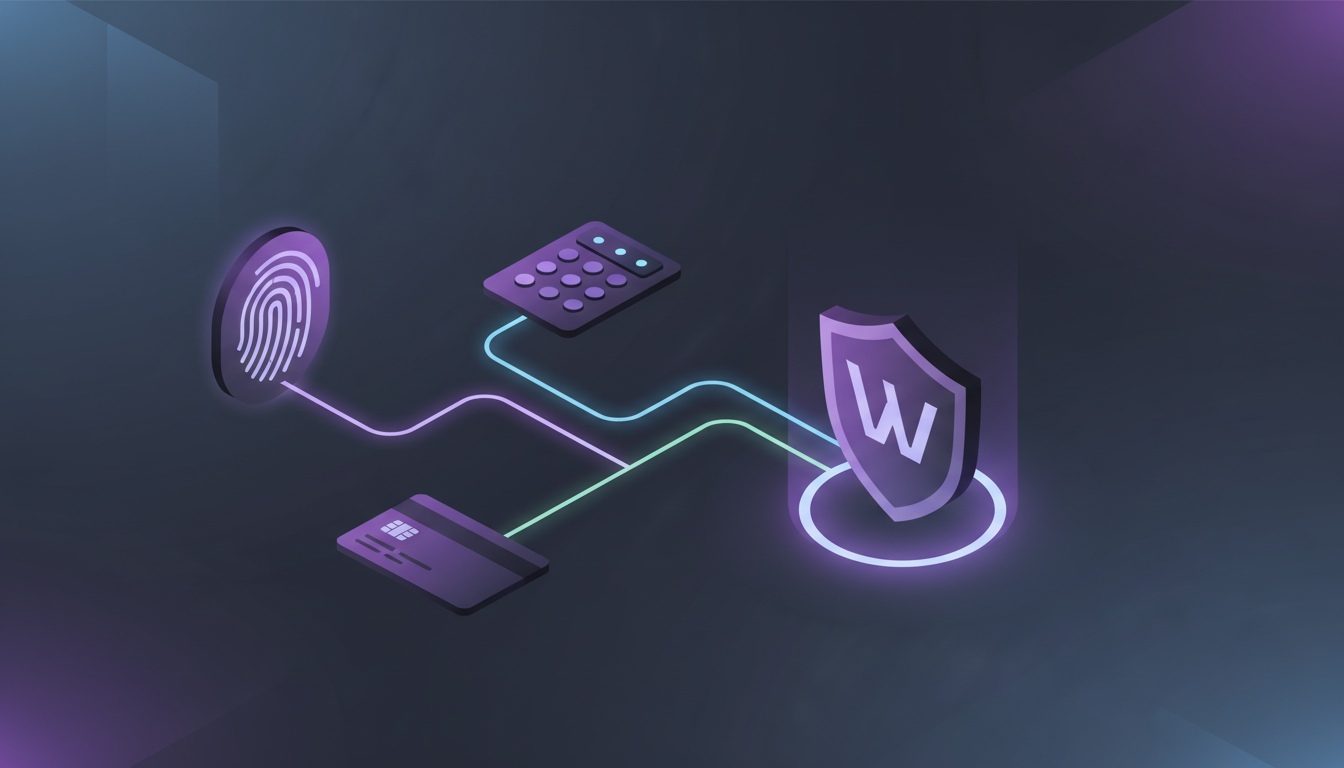
  • Approve sensitive actions with biometric plus PIN plus card tap

A Practical Storage Pattern Many People use:

  • Use exchanges for buying and selling when needed
  • Use Arculus as the long-term storage home base

Get the Arculus Card and start setup

Frequently Asked Questions

No. Setup is guided. The main responsibility is carefully recording and protecting the recovery phrase.

Most users can complete setup in one session. Time varies by comfort and whether a first transfer is completed immediately.

Write the phrase down offline and store the phrase securely. Do not store the phrase on a device or in cloud storage.